

Retirement income
When you can stop working, how much you can safely draw, and how long it lasts.
Ten quick questions. One score. See exactly where you stand.
When you stop working, and what has to replace the paycheque.
Add your accounts, pensions and documents and Wealth Vista keeps the plan current. Ask a question in plain English and Vista AI answers from your own numbers.
Can I retire at 62?
YouWealth Vista scores each pillar, shows you where you stand, and tells you the highest-impact fix first — instead of burying you in charts.
When you can stop working, how much you can safely draw, and how long it lasts.
Social Security, CPP/OAS and pensions timed to maximise lifetime income.
Withdrawal sequencing across taxable, tax-deferred and tax-free accounts.
Wills, powers of attorney, executors and the documents most families are missing.
Catch stale or conflicting designations before they override your intentions.
Insurance, long-term care and the gaps that derail an otherwise solid plan.
Every account, property and holding in one picture that updates as life changes.
Wealth Vista turns your accounts, pensions and government benefits into a month-by-month income plan, then stress-tests it against markets, inflation and longevity.

Wills, powers of attorney, beneficiaries and heirs in one place — with AI checking that the documents you signed still match the life you have now.

Plan the retirement, protect the legacy, ask the assistant, then execute — without juggling spreadsheets, advisors and five different logins.
Readiness score, Monte Carlo projections and a decumulation engine that sequences withdrawals across every account.
A guided path through wills, powers of attorney, executors and beneficiaries — with document AI that reads what you already have.
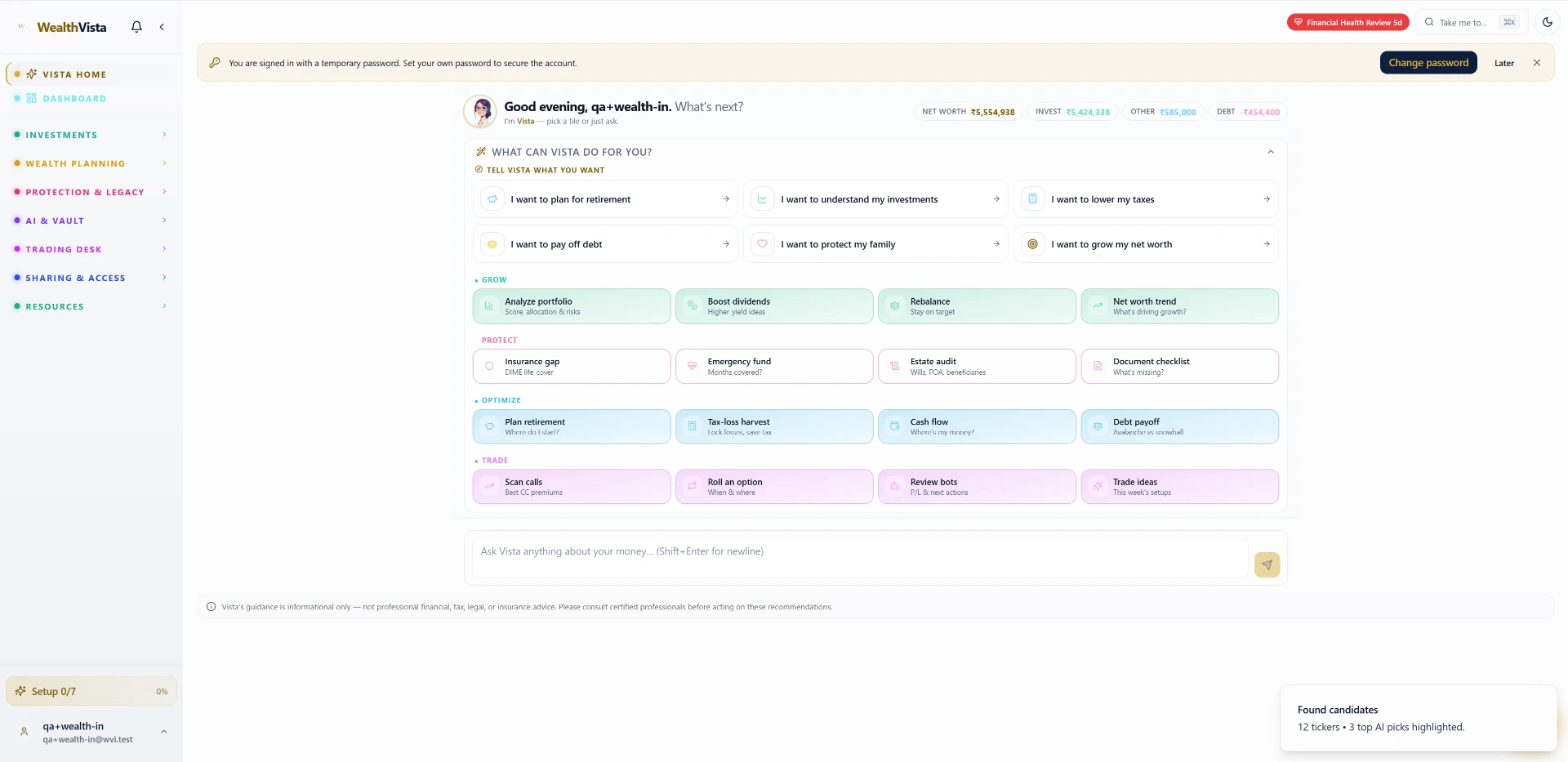
Ask anything about your plan in plain English. Vista explains trade-offs, runs what-ifs and sends a monthly briefing on what changed.
For Elite members: turn the plan into action with automated trading, rebalancing and tax-loss harvesting on supported brokers.
Start free and see where you stand before you decide anything.
Age, savings, income and what you want retirement to look like. Two minutes, no documents required to start.
A readiness score across all seven pillars, with the gaps ranked by how much they actually cost you.
Add accounts, upload documents and let Vista AI keep the plan current — with a monthly briefing on what changed.
A web app for retirement and estate planning. You create an account, add your accounts and goals, and get a living plan you can revisit any time.
Create your account with email, or sign in with Google. From Google we request only your name, email address and profile picture — the userinfo.email and userinfo.profile scopes.
We never access your Gmail, Drive or Calendar. Your data is encrypted in transit and at rest, and it is never sold.
Read the full Privacy Policy and Terms of Service.
Get your Vista Score in a couple of minutes, then decide whether you want the full retirement and estate plan.
Wealth Vista is software, not a fiduciary. Professionals remain responsible for advice delivered to their clients; consumers should consult a certified professional before acting.